


How to Choose the Right C5 Power Cord: Complete Guide to IEC 60320 C5 (Mickey Mouse / Cloverleaf) Power Cords
Content Menu
● What Is an IEC 60320 C5 Power Cord?
● Common Devices That Use C5 Power Cords
● C5 vs. C7 vs. C13: Critical Differences You Must Not Ignore
● Key Parameters to Check Before Buying a C5 Power Cord
● Certifications and Market Requirements
● Expert Insight: Quality Checkpoints from a Manufacturer's Perspective
● Five Essential Safety Rules for Using C5 Power Cords
● Summary: Five Steps to Select the Correct C5 Power Cord
When shopping for a replacement or OEM power cord, many buyers encounter a distinctive three-lobed connector that looks like a cloverleaf or Mickey Mouse's head. This is the IEC 60320 C5 power cord, widely known as the C5 power cord, Mickey Mouse power cord, or cloverleaf power cord.
As a manufacturer specializing in AC power cords, extension cords, and power strips for wholesalers and OEMs, we see the same questions repeatedly: What exactly is a C5 power cord? Which devices use it? How does it differ from C7 or C13? And what parameters and certifications actually matter for safe, compliant supply?
This guide answers those questions with practical selection criteria, regional differences, quality checkpoints, and safety rules drawn from production experience and the IEC 60320 standard.

What Is an IEC 60320 C5 Power Cord?
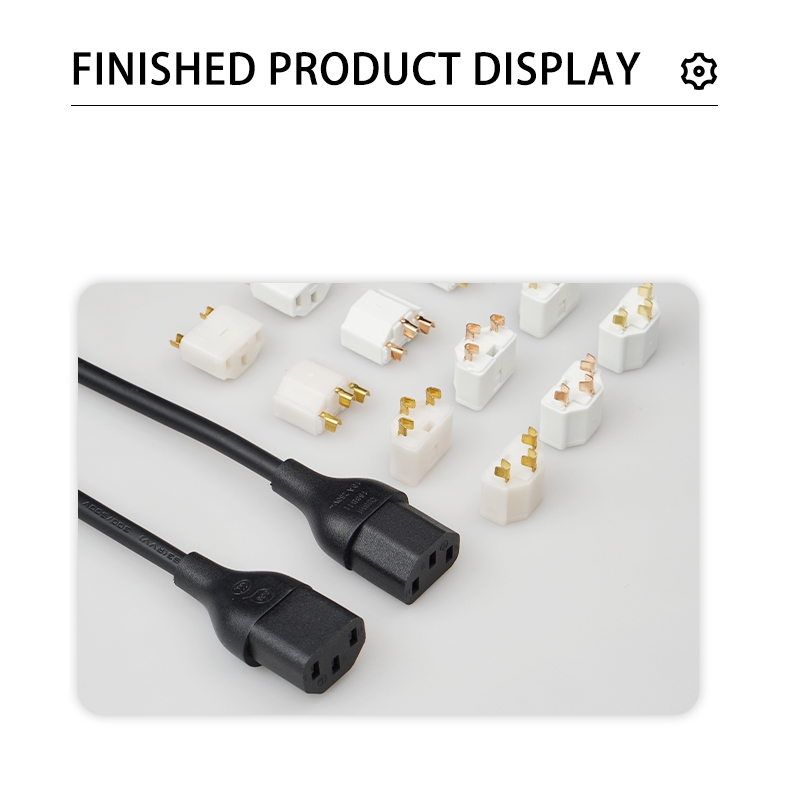
The IEC 60320 C5 is the female connector on the cord end. It mates exclusively with the C6 male appliance inlet on the device.
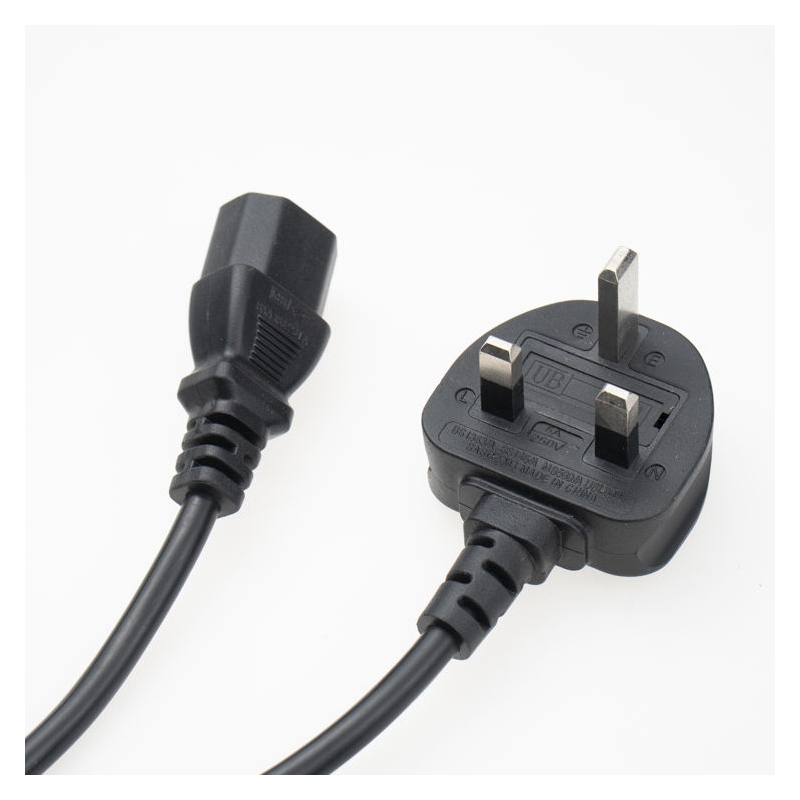
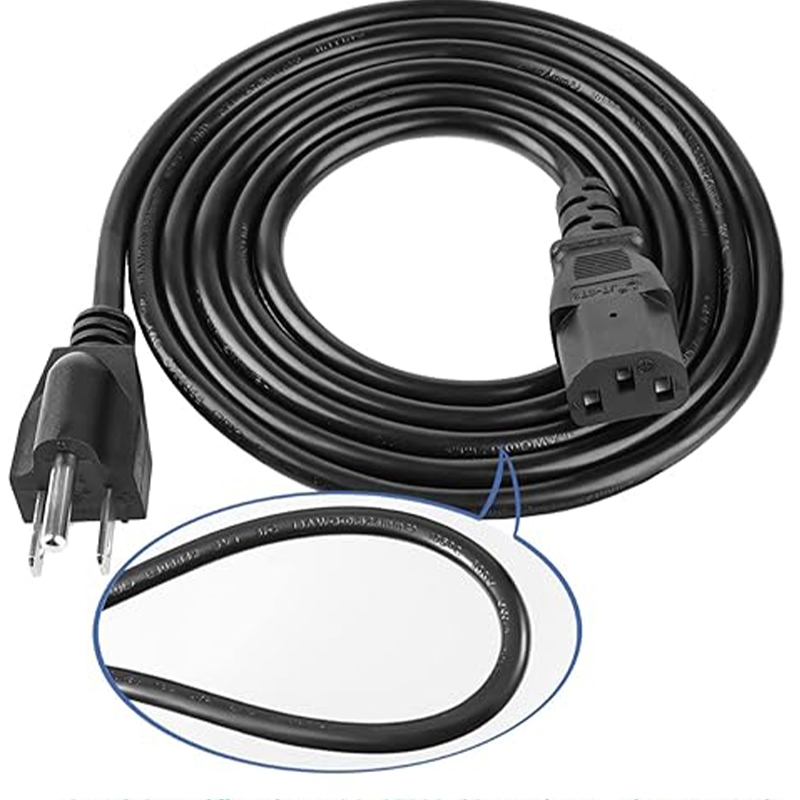
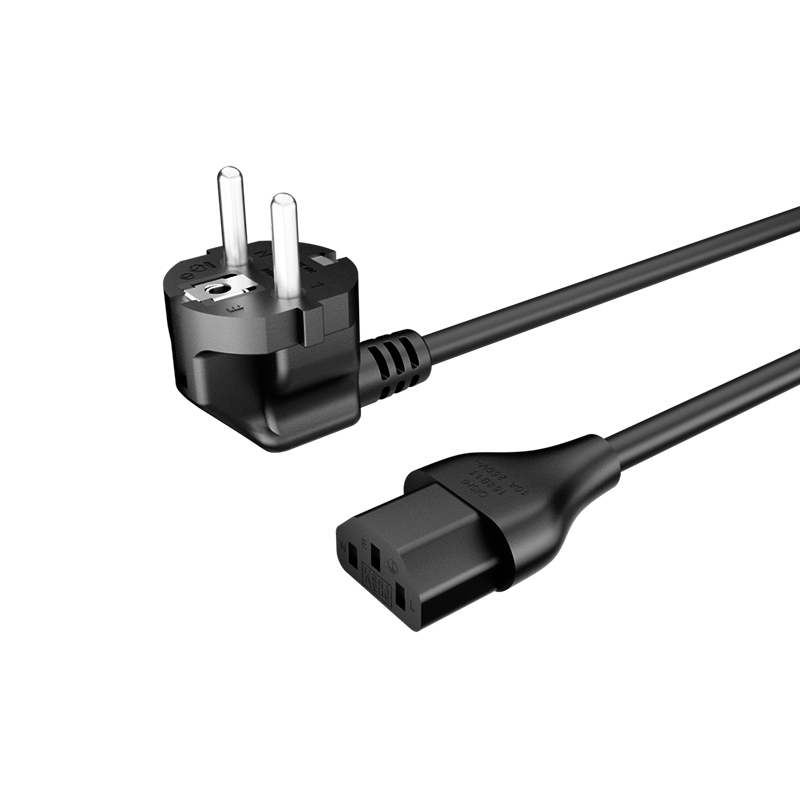
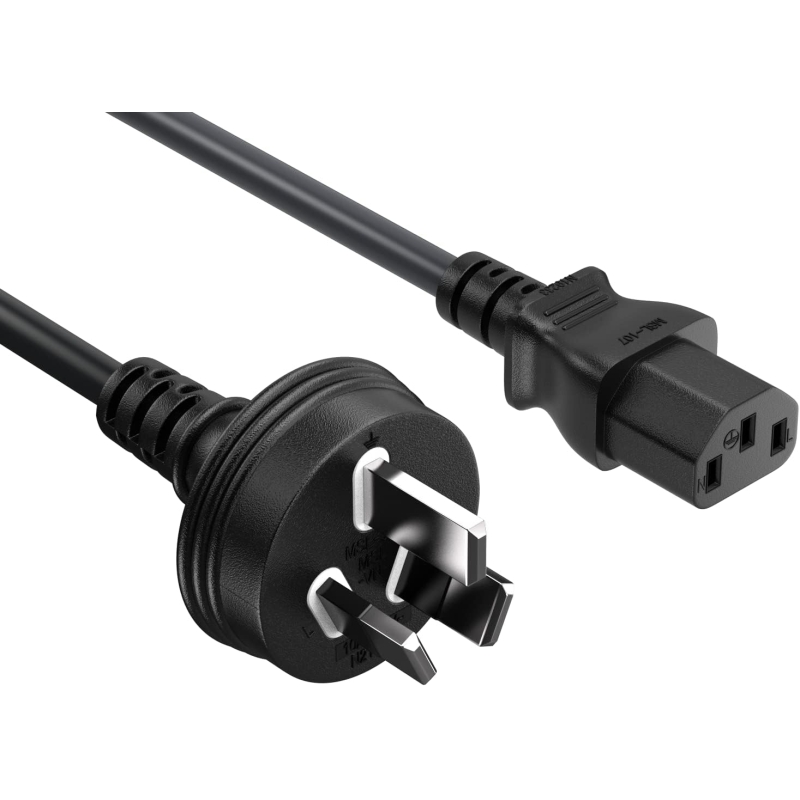
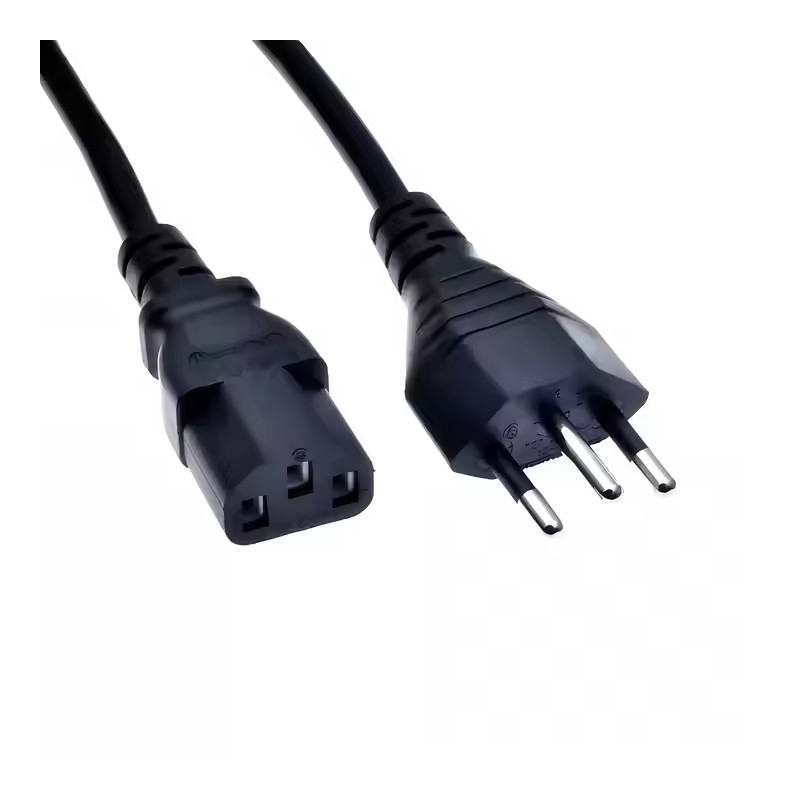
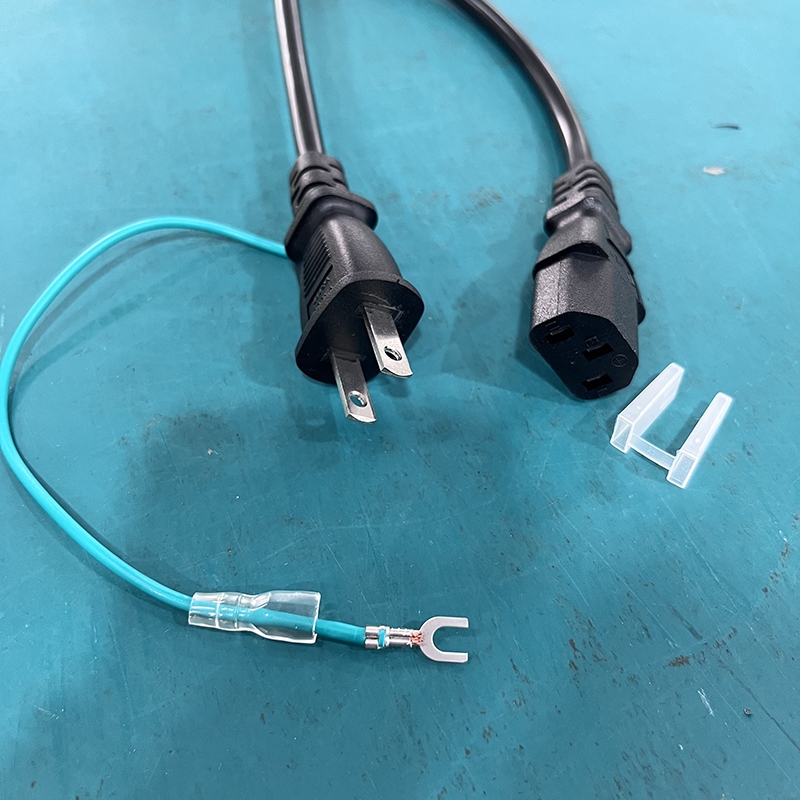
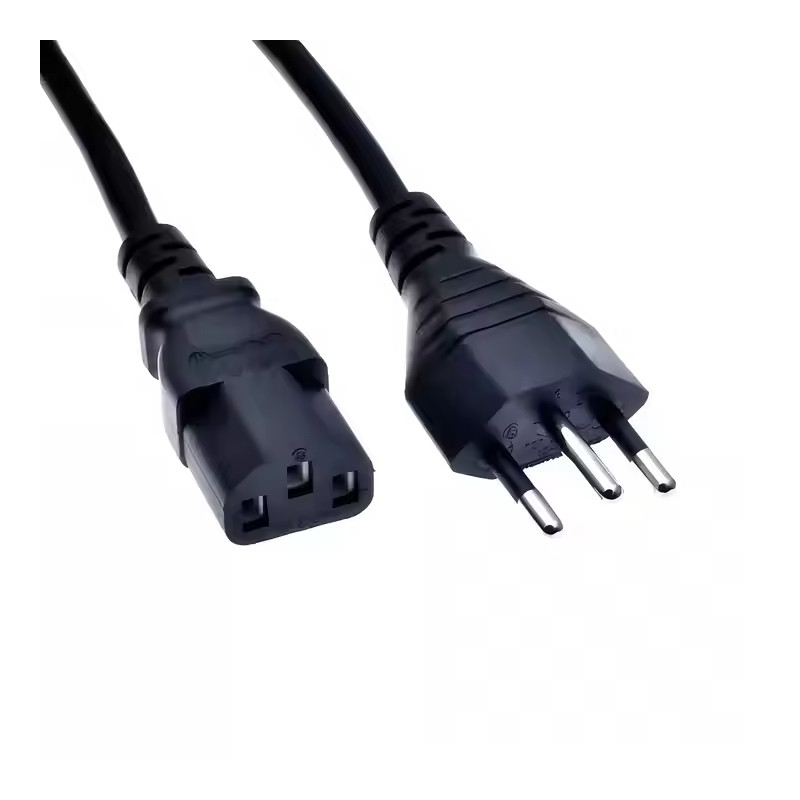
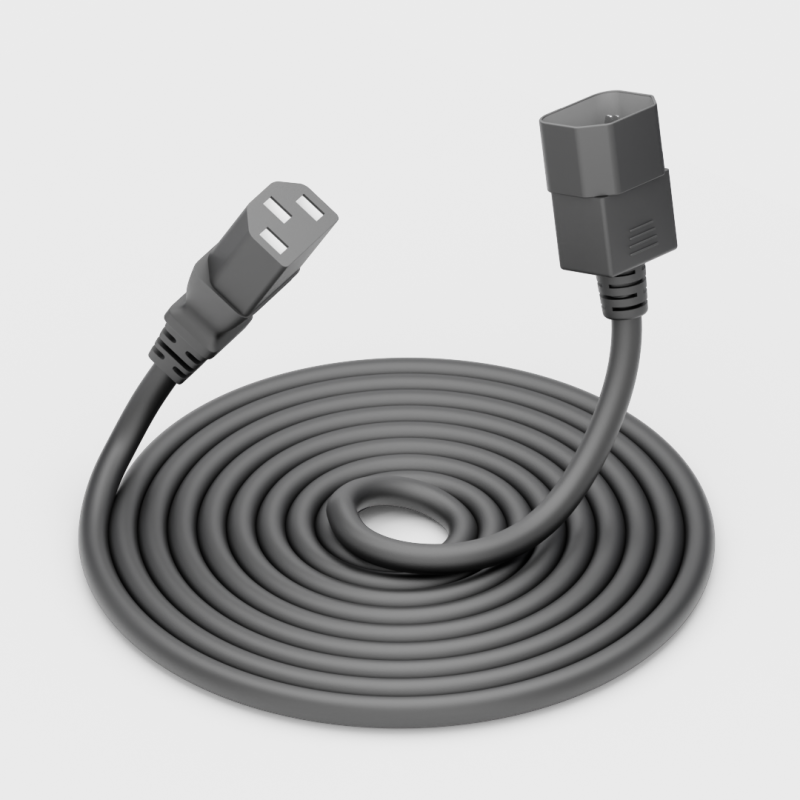
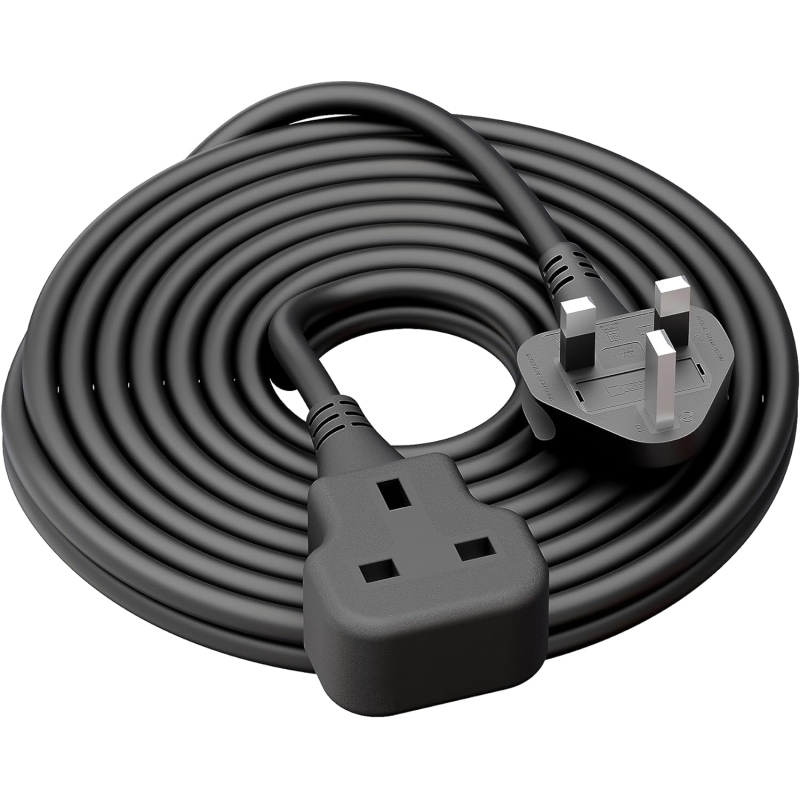
A complete C5 power cord consists of: A country-specific wall plug The flexible cable The molded IEC 60320 C5 connector

Because of its three rounded lobes, the market nicknames it Mickey Mouse power cord or cloverleaf power cord. It is a Class I (grounded) coupler rated by the IEC standard at 2.5 A / 250 V (higher North American ratings are common under UL).
Key point: Always confirm the device inlet is a true C6 before ordering. Market names can be inconsistent; the IEC designation is definitive.

Common Devices That Use C5 Power Cords
C5/C6 connectors appear primarily on lower-to-medium power equipment where a compact grounded connection is preferred.
Office and IT equipment
Laptop power cord adapters (for DellC5 power cord, HP C5 power cable, Lenovo, and similar models)
Some printers and small UPS units
Certain monitors and portable office devices
AV and electronics
- Projectors C5 power cord
- Selected amplifiers, DVD players, and electronic musical instruments
Small household appliances
- Certain rice cookers, electric pressure cookers, blenders, and coffee makers (model-dependent)
Other specialized uses
- Selected massage devices, test instruments, and compact medical or industrial equipment
Important caveat: Interface design varies by brand and model. Never assume a device type "always" uses C5. Check the physical inlet or the original cord's markings.
C5 vs. C7 vs. C13: Critical Differences You Must Not Ignore
| Connector | Nickname | Pins / Class | Typical IEC Rating | Common Uses | Device Inlet |
|---|---|---|---|---|---|
| C5 power cord | Mickey Mouse / Cloverleaf | 3-pin, Class I (grounded) | 2.5 A / 250 V | Laptop adapters, projectors | C6 |
| C7 power cord | Figure-8 / Infinity | 2-pin, Class II (ungrounded) | 2.5 A / 250 V | TVs, game consoles, small AV | C8 |
| C13 power cord | Kettle / Standard IEC | 3-pin, Class I (grounded) | 10 A / 250 V | Desktop PCs, monitors, printers, servers | C14 |
Forcing a mismatch risks damage, overheating, or fire. If the plug does not insert smoothly, stop and verify the inlet type.
Key Parameters to Check Before Buying a C5 Power Cord
Focus on these specifications rather than appearance alone:
- Interface standard: IEC 60320 C5 power cord + C6 (device)
- Rated current and voltage: Match or exceed the device requirements and local approvals (IEC baseline 2.5 A; North American listings often higher)
- Conductor size: Common options include 3 × 0.75 mm² or 3 × 1.0 mm² (European H03VV-F / H05VV-F power cable) and 18 AWG or 16 AWG (North American SVT/SJT)
- Length: 0.5 m–3 m typical; choose based on actual distance to the outlet to avoid excess clutter or voltage drop
- Jacket material: PVC is standard; rubber or higher-temperature compounds for demanding environments
- Certifications: Must match the target market (see below)
Practical selection steps
1. Confirm the device inlet is C6.
2. Note the device's rated power, voltage, and original cord markings.
3. Select conductor cross-section appropriate for current, length, and ambient temperature.
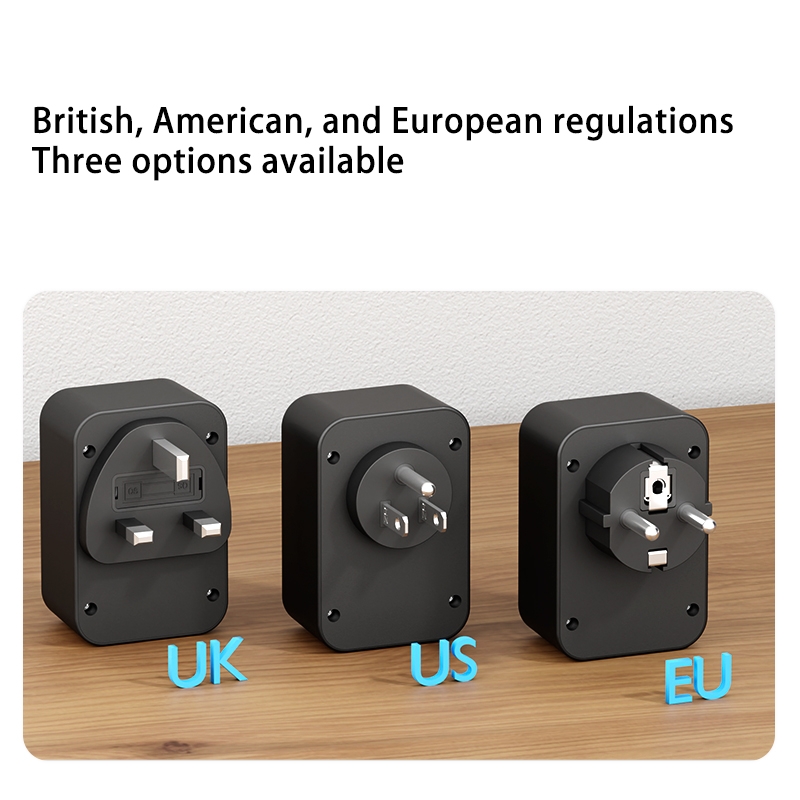
4. Specify the exact wall-plug type and required approvals for the destination country.
Over-specifying thickness "just in case" is less important than correct materials, proper molding, and genuine certification.
Certifications and Market Requirements
Safety approvals are market-specific. Common marks include:North America: UL / ETL / CSA /Europe: VDE, CE (with appropriate national marks) / China: CCC /Australia/New Zealand: SAA /Others: SASO, GCC, PSE, etc.
Additional environmental compliance (RoHS, REACH) is frequently required.
Tell your supplier the full combination: destination country + plug type + voltage/current + length + conductor size + required certifications. This prevents receiving non-compliant product.
Expert Insight: Quality Checkpoints from a Manufacturer's Perspective
From years of producing OEM power cords, the highest-risk failure points are rarely the connector shape itself. Watch for:
- Insufficient copper cross-section or poor conductor quality
- Incomplete molding or weak strain relief at the C5 connector and plug
- Missing or incorrect printing of voltage, current, cable type, and approval marks
- Substituted materials that pass visual inspection but fail long-term heat or flex testing
A reliable supplier provides consistent process control, batch traceability, and the ability to supply the exact combination of plug, cable, and certification you need for different markets.
Five Essential Safety Rules for Using C5 Power Cords
1. Never exceed the rated current or voltage of the cord or the device.
2. Do not force mismatched connectors (C5 ≠ C7 ≠ C13).
3. Replace immediately if the jacket is cracked, the plug is oxidized, or the cord feels unusually warm or stiff.
4. Always pull by the connector body, never by the cable.
5. Disconnect at the first sign of abnormal heating, burning smell, or discoloration.
Summary: Five Steps to Select the Correct C5 Power Cord
1. Verify the device inlet is IEC 60320 C6.
2. Match power, voltage, and current requirements.
3. Choose appropriate conductor size and length.
4. Specify the correct plug type and certifications for the sales market.
5. Prioritize verified quality and process control over the lowest unit price.
A properly specified IEC 60320 C5 power cord (Mickey Mouse power cords/ cloverleaf) delivers safe, reliable power to laptops, projectors, and many other compact devices. Focus on the standard designation, ratings, and market approvals rather than nicknames alone.
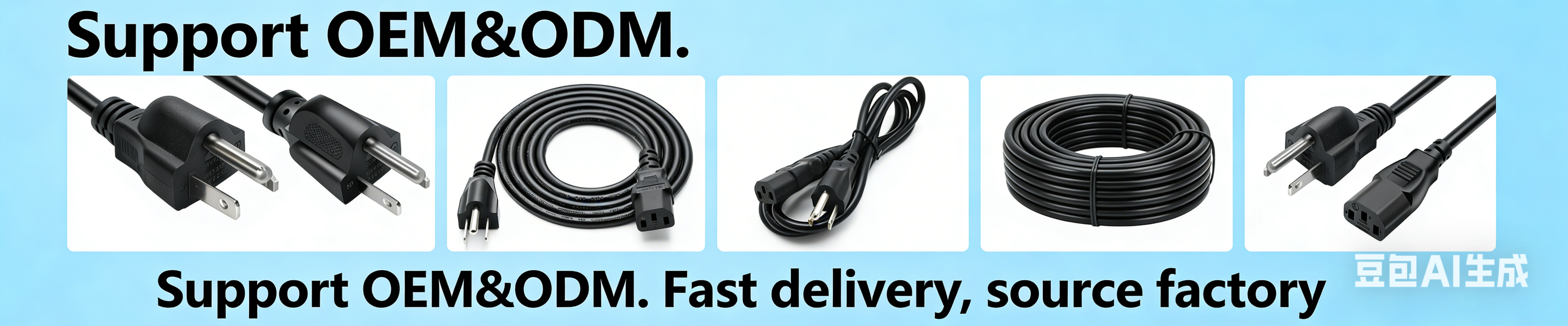
Ready to source high-quality C5 power cords for wholesale or OEM projects? Contact a specialized manufacturer that can deliver the exact plug type, cable specification, length, and certifications your markets require. Clear technical communication at the quotation stage prevents costly mistakes downstream.
Frequently Asked Questions
1. Can I use a C5 power cord on a device that came with a C7 or C13?
No. The connectors are mechanically and electrically incompatible. Using the wrong type can create safety hazards.
2. What is the maximum current for a standard C5 power cord?
The IEC rating is 2.5 A at 250 V. North American listings under UL frequently allow higher values; always follow the markings on the specific cord and the device requirements.
3. Are all "Mickey Mouse" or "cloverleaf" cords the same?
No. Confirm the IEC designation (C5) and check ratings, conductor size, and certifications. Visual similarity does not guarantee equivalence.
4. How long should a C5 laptop power cord be?
1–2 m is most common for desk use. Shorter lengths reduce clutter for portable setups; longer lengths suit fixed installations but should still match conductor size to current.
5. Do I need different C5 cords for different countries?
Yes. The C5 connector end is standardized, but the wall-plug end and the required safety certifications change by country. Specify the full set of requirements to your supplier.
References
- Access Communications – IEC 60320 Connector Guide: https://www.accesscomms.com.au/a-guide-to-iec-connectors-iec-60320/
- StayOnline – IEC 60320 (IEC 320) Reference Chart: https://www.stayonline.com/product-resources/reference-iec320.asp
- World Cord Sets – IEC 60320 Reference Chart: https://shop.worldcordsets.com/shop/reference-materials/iec-60320-reference-chart
- Wikipedia – IEC 60320: https://en.wikipedia.org/wiki/IEC_60320
- IEC 60320-1:2021 standard overview (appliance couplers general requirements)
- Manufacturer and industry technical notes on C5/C6 applications for laptop adapters and projectors (various UL, VDE, and regional approval documentation)



 Email
Email