
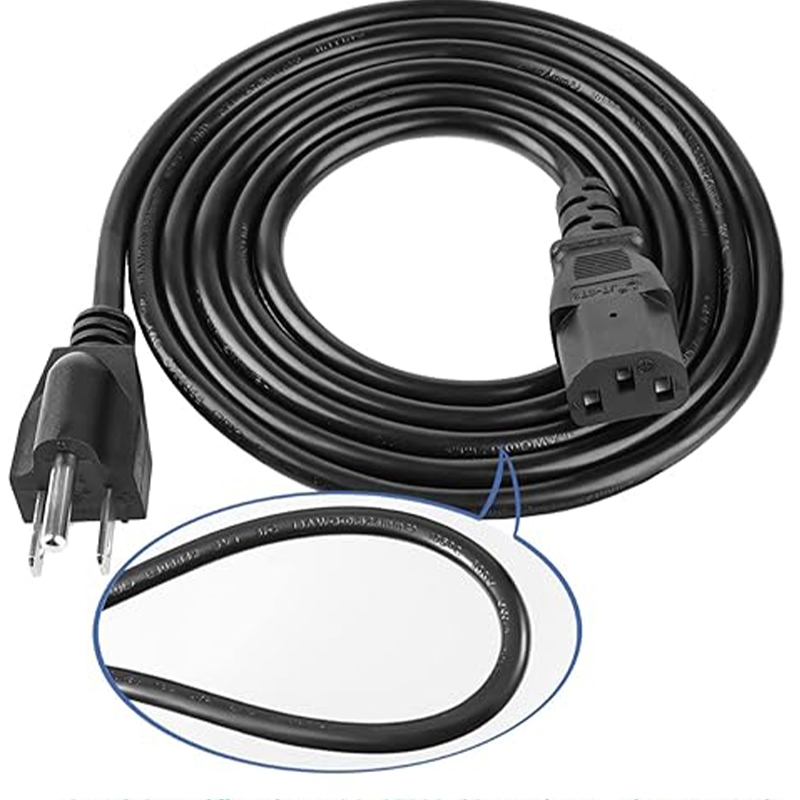
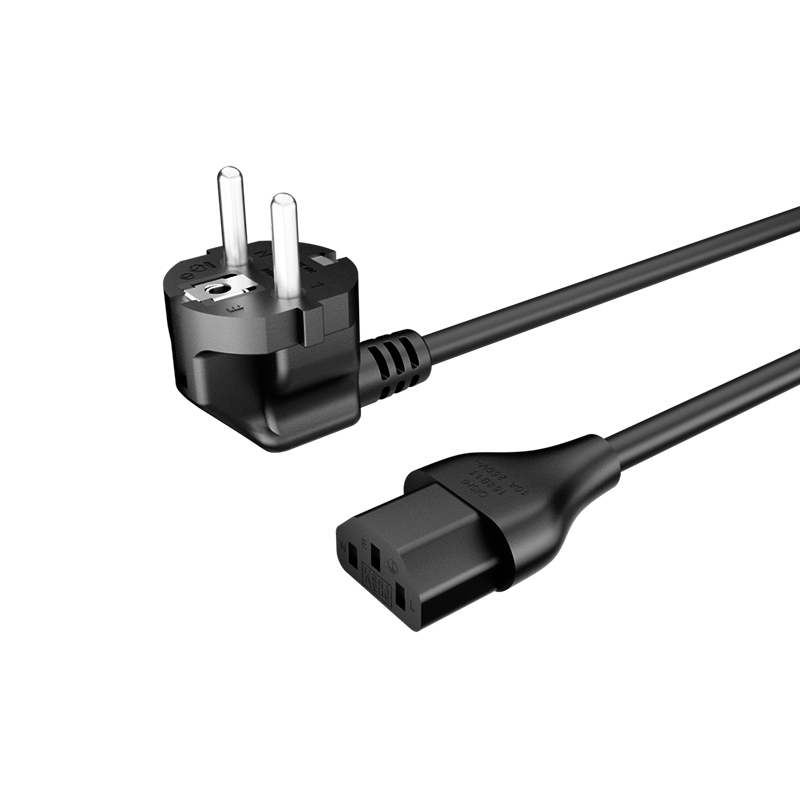
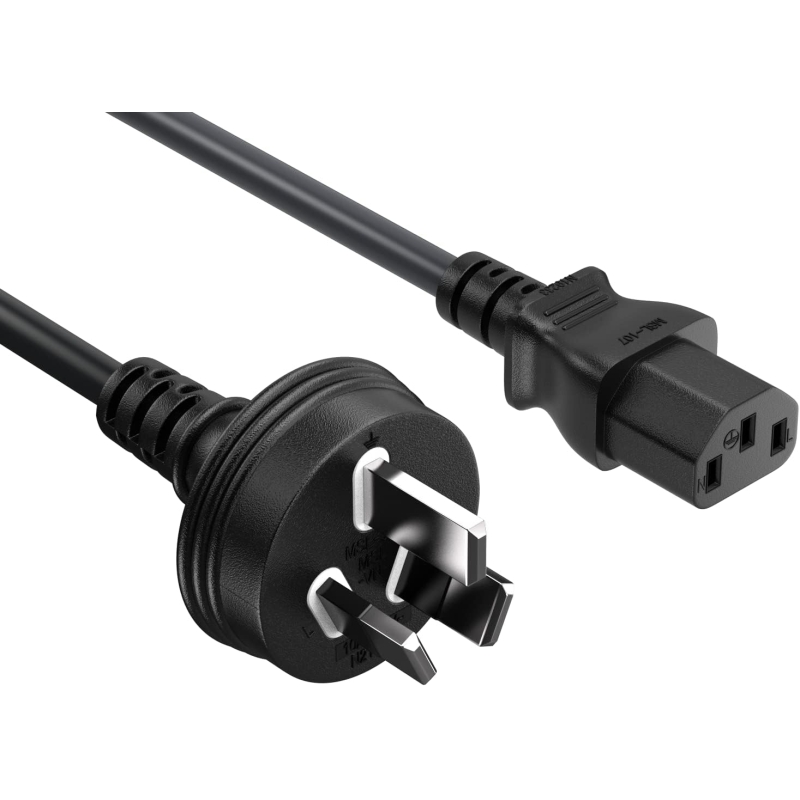
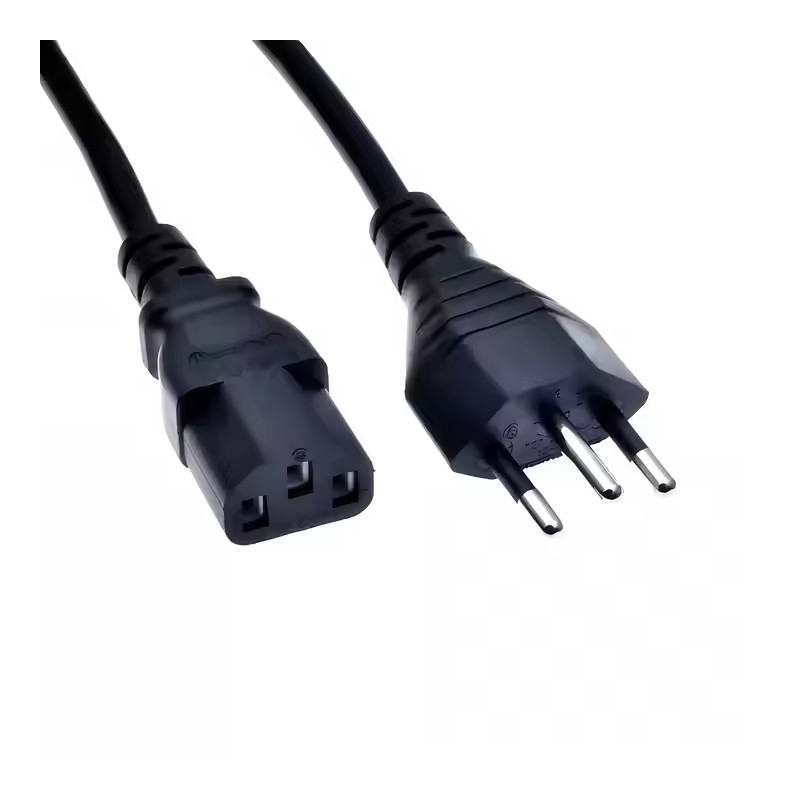
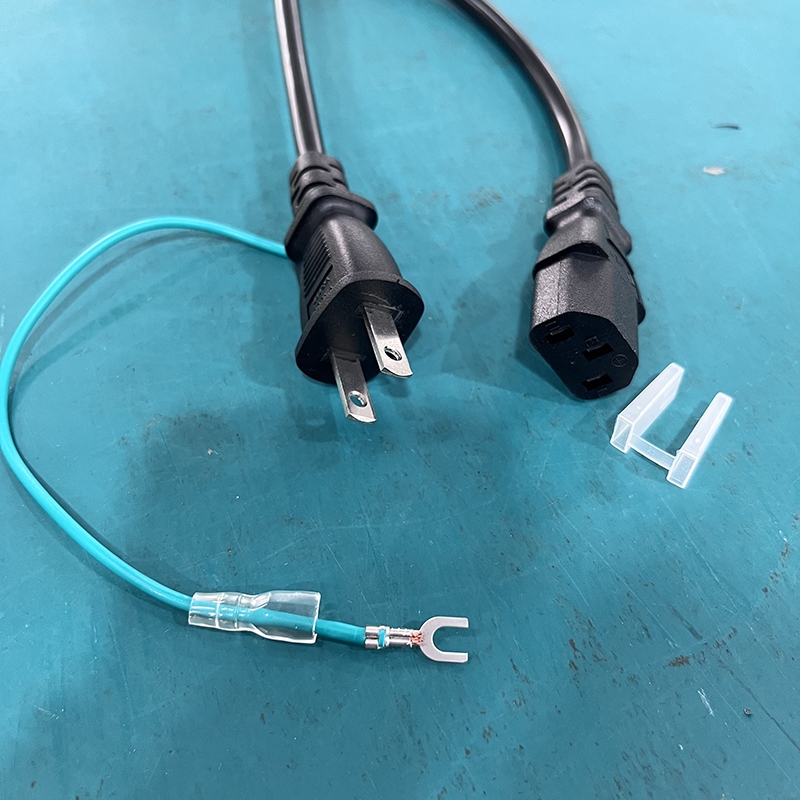
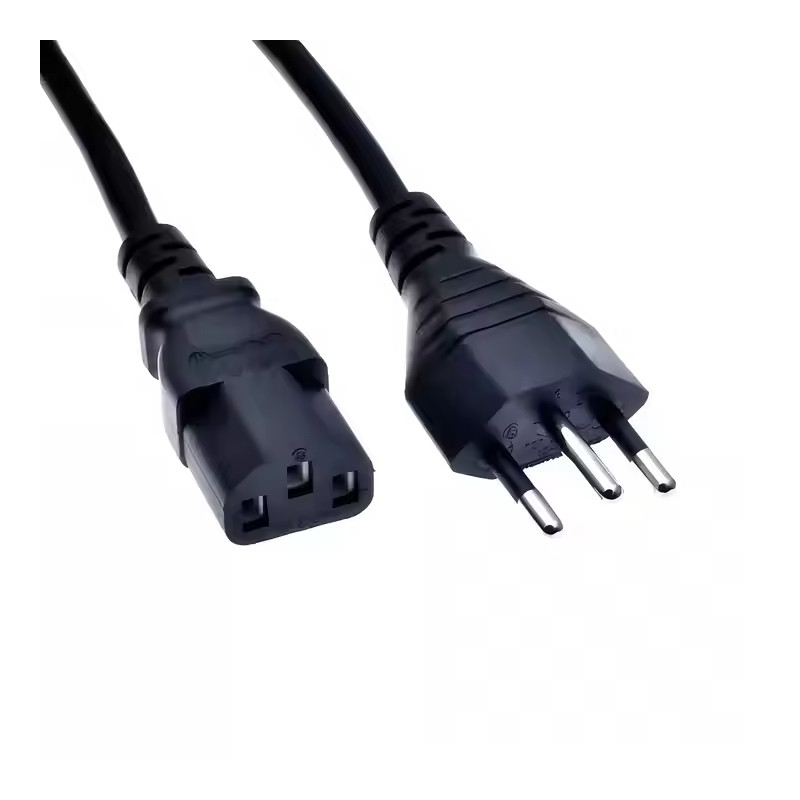
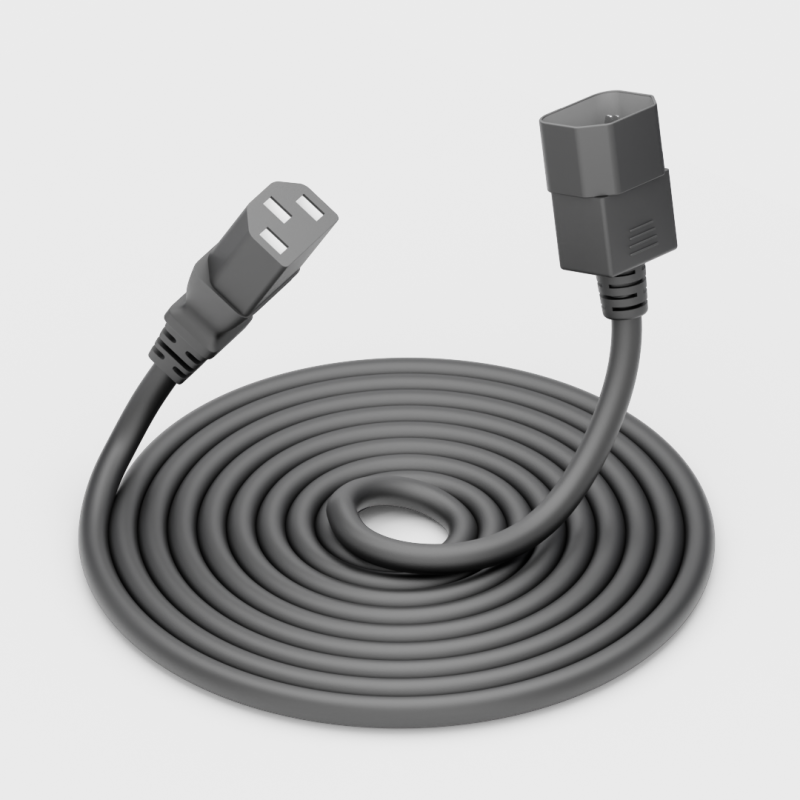
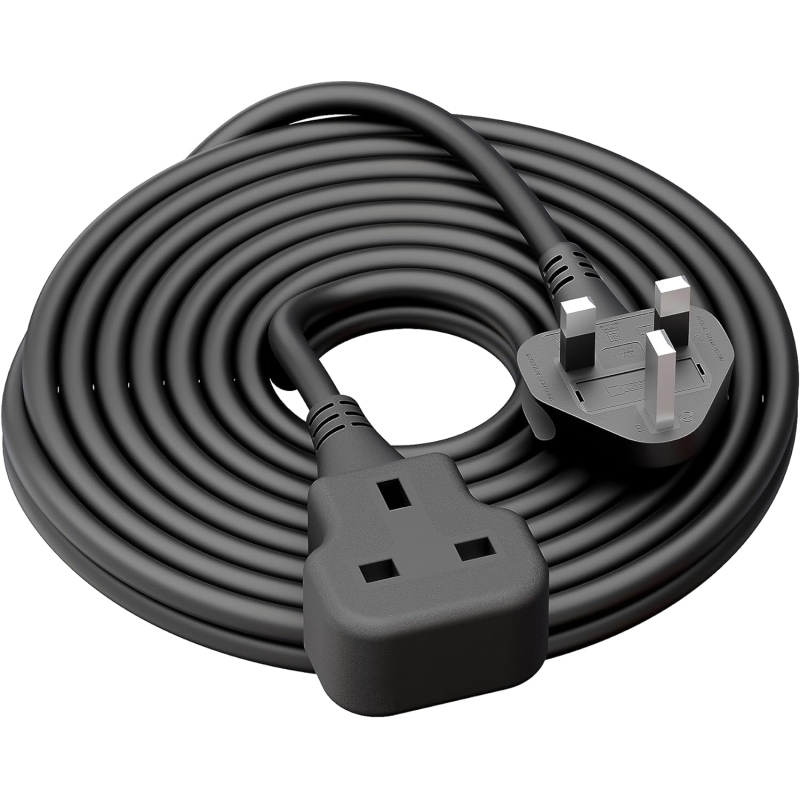

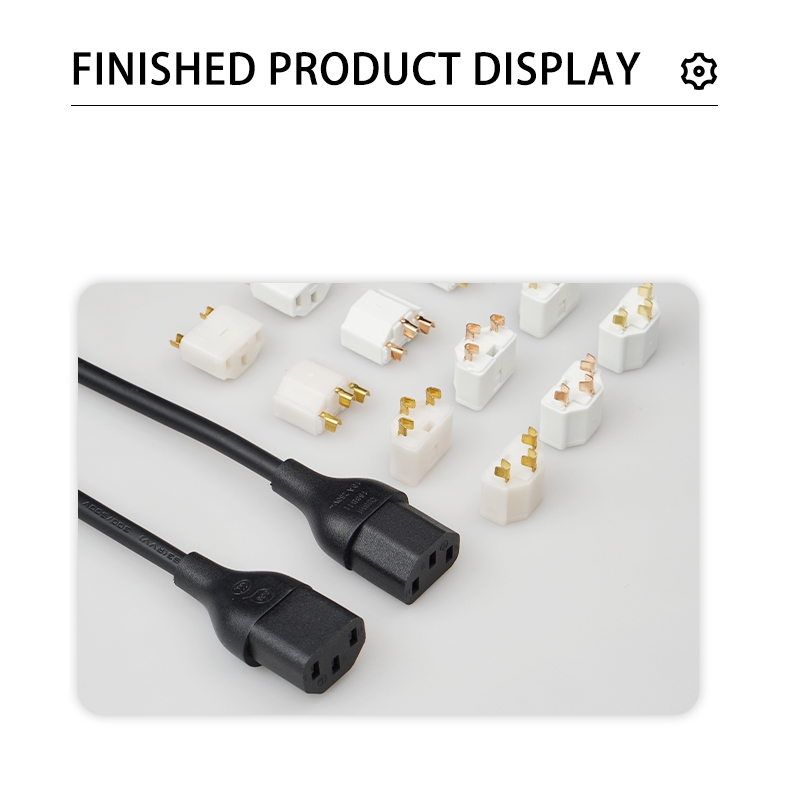

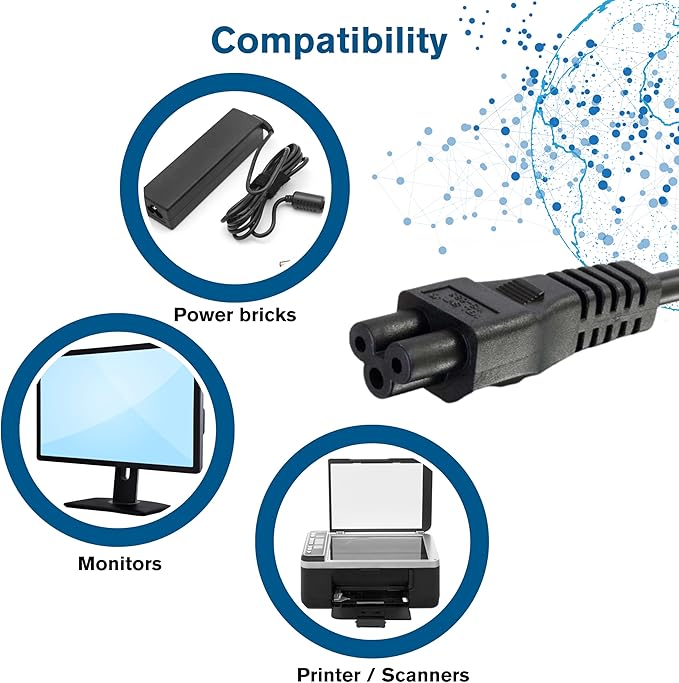
The IEC C5 power cord (also known as the cloverleaf power cable or "Mickey Mouse" cord due to its distinctive three-pin triangular shape) is a popular choice for connecting laptops, printers, projectors, game consoles, and other low-to-medium power electronics to mains power.
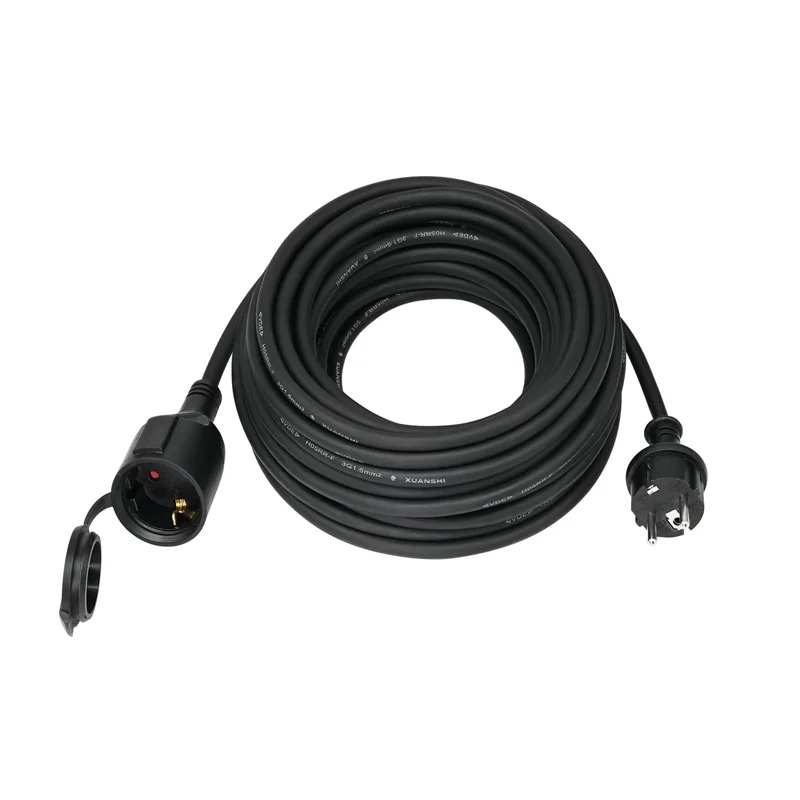
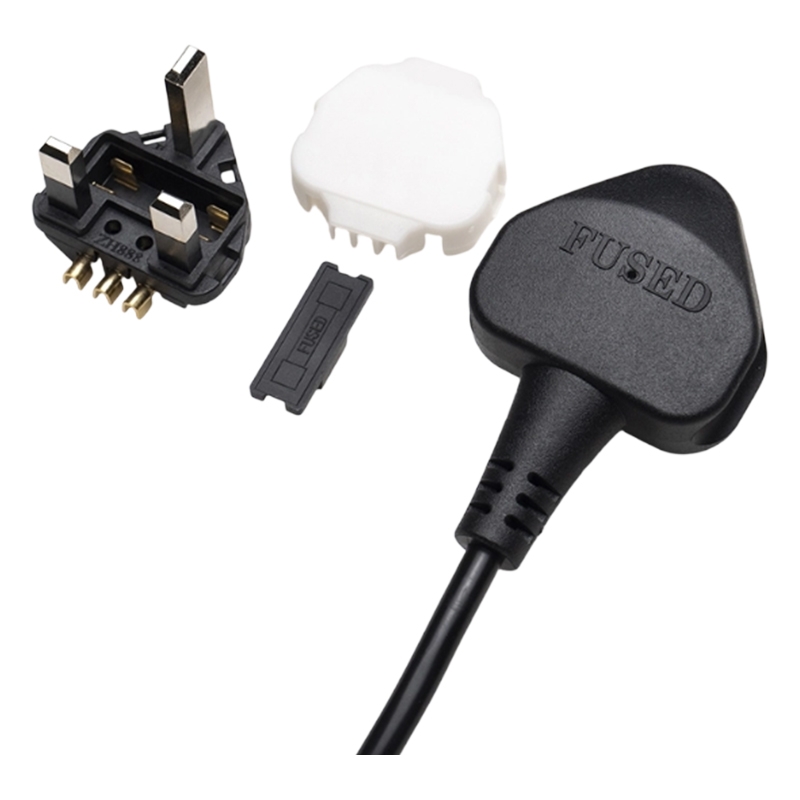
It features a three-prong C5 connector on the device side (which plugs into a C6 inlet on the device's power adapter or appliance) and a regional mains plug (such as US NEMA 5-15P, EU Schuko, UK BS 1363, AU, etc.) on the wall side.
While the design ensures secure, grounded connections and prevents mis-insertion, not every C5 cord offers the same level of safety, durability, or performance. Choosing a substandard cable can result in overheating, voltage drops, poor contact, or safety hazards.
This guide helps you select a reliable, high-quality IEC C5 power cord for personal use, replacements, or bulk sourcing.
What Is an IEC C5 Power Cord?
The IEC 60320 C5 is a grounded, three-conductor AC appliance coupler standard. It delivers power from a wall outlet to the device's external power brick or directly to compatible appliances.
Common applications include:
Laptop AC adapters (most common use)
Portable projectors
Inkjet/laser printers
Some game consoles and audio/video equipment
Small household appliances with low-to-moderate power draw
The cloverleaf shape provides a compact, low-profile connection that's ideal for slim devices.
Why the IEC C5 Design Enhances Safety
Polarized and keyed shape — The offset triangular pin layout prevents reverse or incorrect insertion, reducing the risk of short circuits or damage.
Grounded three-pin configuration — Ensures proper earthing for user safety and stable power flow.
Compact yet secure fit — The design grips firmly once inserted, minimizing accidental disconnection.
High-quality versions also feature robust, flexible jackets that withstand repeated bending without cracking or exposing wires.
Key Factors to Consider When Choosing an IEC C5 Power Cord
Safety CertificationsAlways prioritize cords with internationally recognized approvals. These confirm compliance with electrical safety, fire resistance, and manufacturing standards. Look for:
Multiple certifications indicate broader testing and reliability.
UL (USA/Canada)
cUL or CSA
VDE or ENEC (Europe)
CE marking
CCC (China)
SAA (Australia/New Zealand)
IMQ (Italy), etc.
Flame-Retardant Jacket MaterialOpt for cords with V-0 rated or equivalent flame-retardant PVC (or better, such as halogen-free materials in premium lines). Benefits:
Avoid cheap, thin, or non-rated jackets that can melt or degrade quickly.
Self-extinguishing in case of fire
Higher heat tolerance (typically up to 70–105°C)
Reduced smoke/emission risk
Conductor Material and Cross-Sectional AreaUse only pure copper (OFC or bare copper) conductors — never copper-clad aluminum (CCA), which has higher resistance and heats up faster.
Recommended minimum cross-section:
Thicker wires (e.g., 1.0 mm² or 16–17 AWG) offer lower resistance, less heat buildup, and better longevity, especially for longer cords or frequent use.
0.75 mm² (international/IEC standard for 2.5A ratings)
18 AWG (common in North America for 7–10A ratings)
Rated Voltage and CurrentStandard IEC rating: 2.5A at 250V (international).
In North America (UL/CSA certified), many C5 cords are rated higher — commonly 7A–10A at 125V — due to regional testing allowances.
This makes them suitable for:
Important: Never use C5 cords for high-power appliances (e.g., heaters, kettles, or anything >300–400W), as they are not designed for currents above ~10A max (and usually much lower under IEC). Always match the cord's rating to your device's input requirements (check the adapter label).
Most laptop chargers (typically 45–150W, drawing ~0.5–2A at wall voltage)
Printers, projectors, and similar devices
Cable Length and FlexibilityCommon lengths: 0.5m–2m (1.6–6.6 ft). Choose based on your setup — longer cords need thicker gauges to minimize voltage drop. Look for supple, tangle-resistant jackets (H03VV-F or H05VV-F types are common and durable).
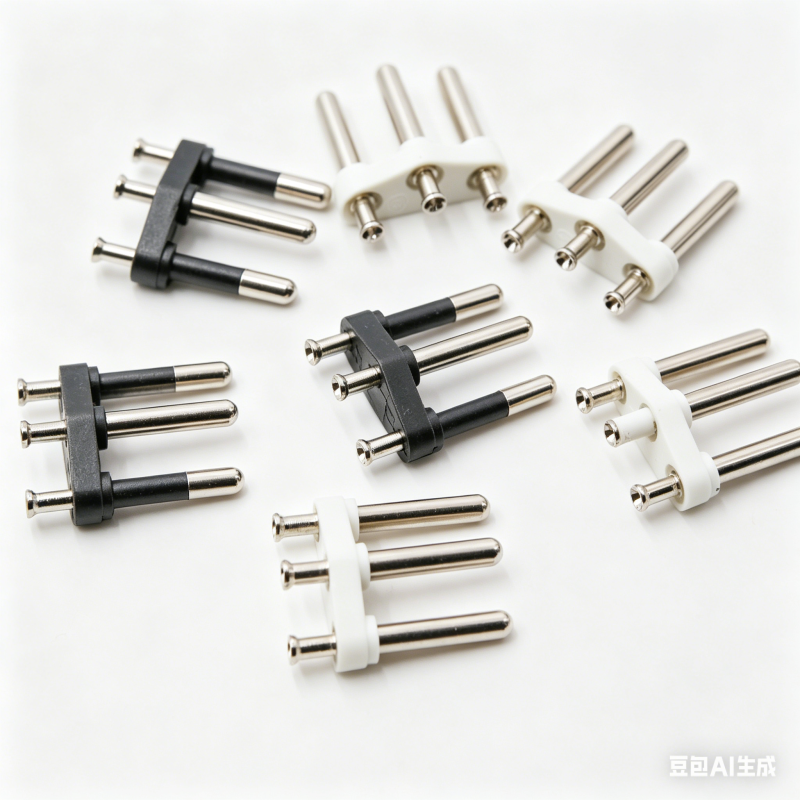
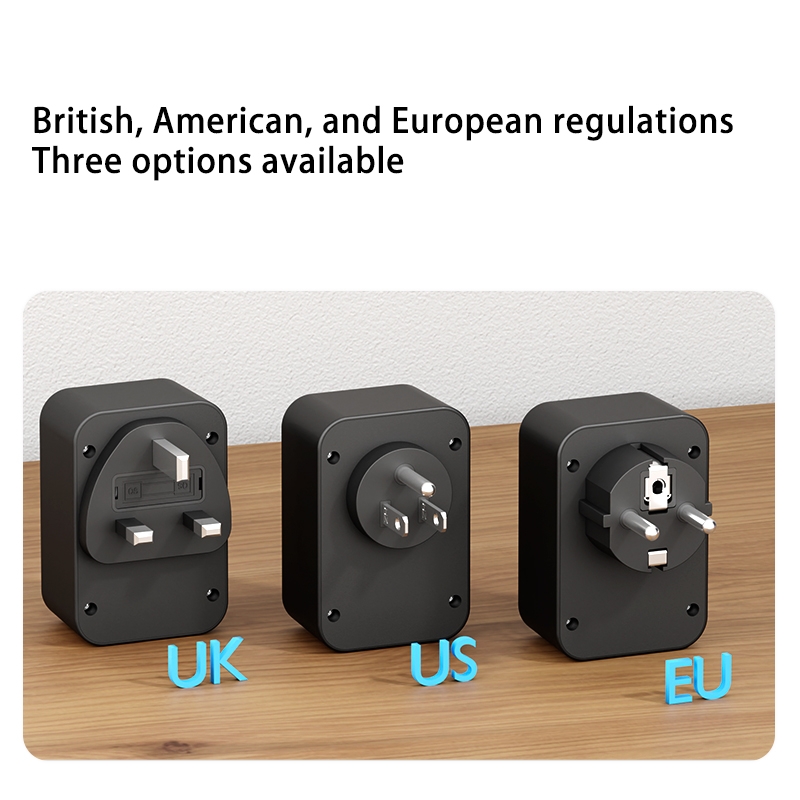
Plug Type CompatibilityMatch the wall plug to your region:
US/Canada: NEMA 5-15P
Europe: CEE 7/7 (Schuko) or similar
UK: BS 1363
Australia: AS/NZS 3112
Others: China, etc.
How to Confirm Your Device Needs an IEC C5 Cord
Inspect the power input on the device's adapter or appliance:
Three round holes/pins in a triangular/cloverleaf pattern
Slightly recessed, compact socket (smaller than the common IEC C13 "kettle" connector)
If it matches, you need a ... to C5 cord (not C13/C14, which is for higher-power devices like desktop PCs).
Common Types Available
EU Plug to C5
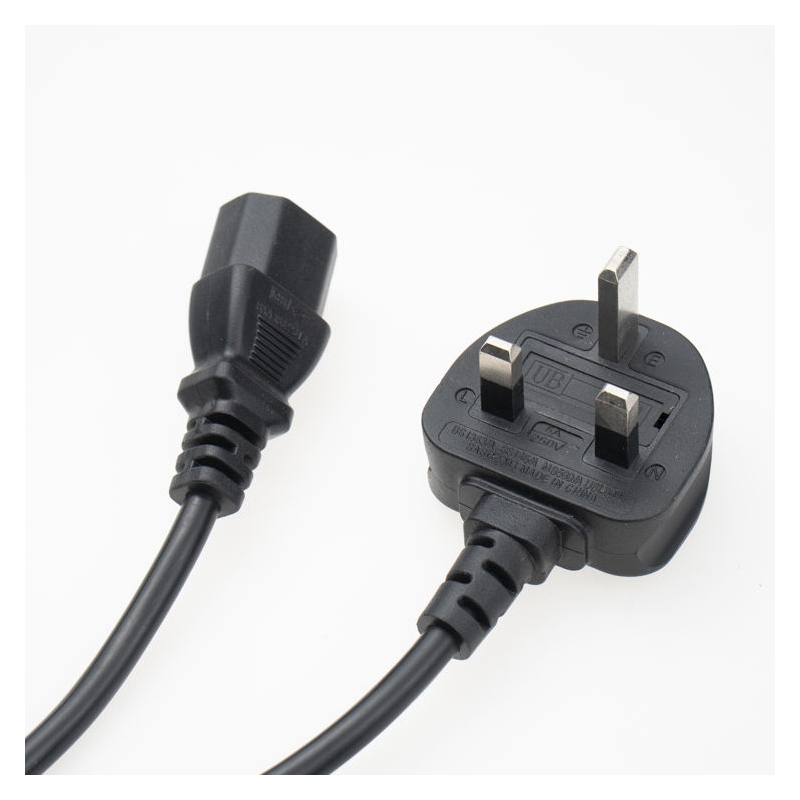
UK Plug to C5
AU Plug to C5
Custom/OEM variants (colors, angled plugs, braided jackets, etc.)
Tips for Businesses, Resellers, or OEM Buyers
Sourcing from professional manufacturers offers:
Consistent certifications across batches
Reliable pure-copper supply chains
Customization (length, color, branding, plug variants)
Better pricing and lead times for bulk orders
Vertical production for quality control
Prioritize suppliers with in-house molding, testing labs, and full certification portfolios.
Quick FAQ
Is IEC C5 the same as a cloverleaf or Mickey Mouse cord?Yes — all refer to the same triangular three-pin connector.
Can I use an IEC C5 cord for high-power devices?No — it's rated for low/medium power (typically ≤2.5A IEC / ≤10A UL). Use IEC C13 for higher loads.
What wire size is best?≥0.75 mm² (or 18 AWG) pure copper for safety and performance.
By focusing on certifications, pure copper, proper ratings, and flame-retardant materials, you'll get a safe, long-lasting IEC C5 power cord that performs reliably for years. Always double-check your device's specs before purchase.



 Email
Email